
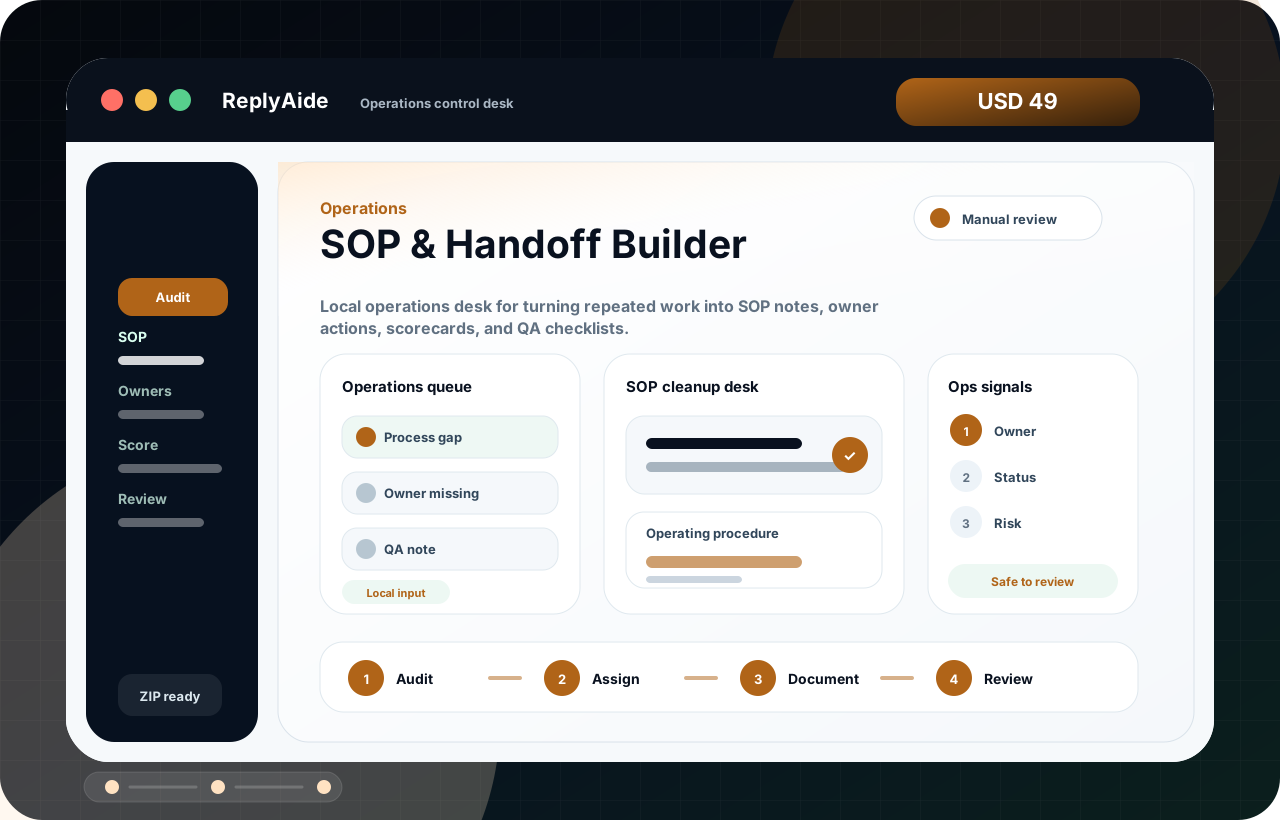
SOP & Handoff Builder
Local operations desk for turning repeated work into SOP notes, owner actions, scorecards, and QA checklists.
Operations
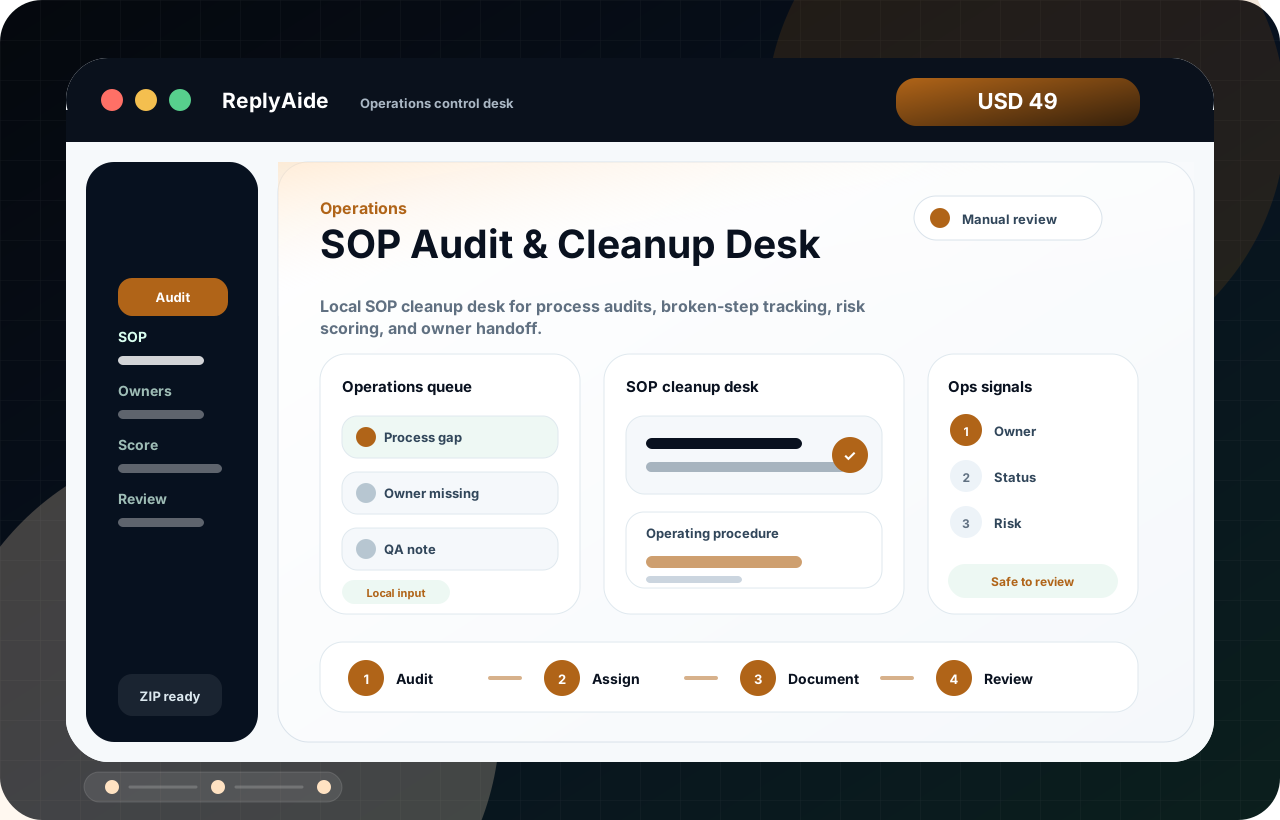
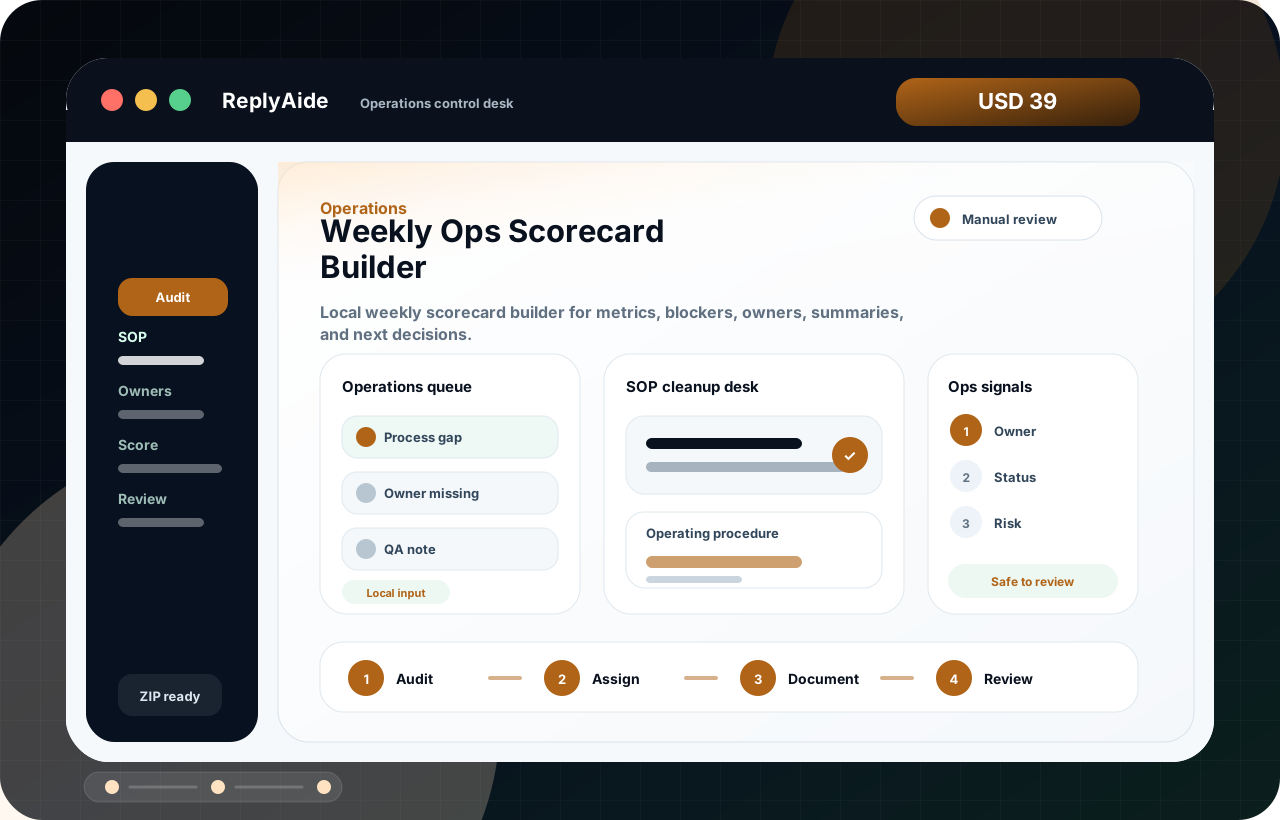
Local SOP cleanup desk for process audits, broken-step tracking, risk scoring, and owner handoff.
Download, unzip, and open the branded local workflow screen in a browser.
Work with templates, tracker fields, setup notes, and QA checklists.
Final copy and operational steps are reviewed by the buyer before use.
Actual use preview
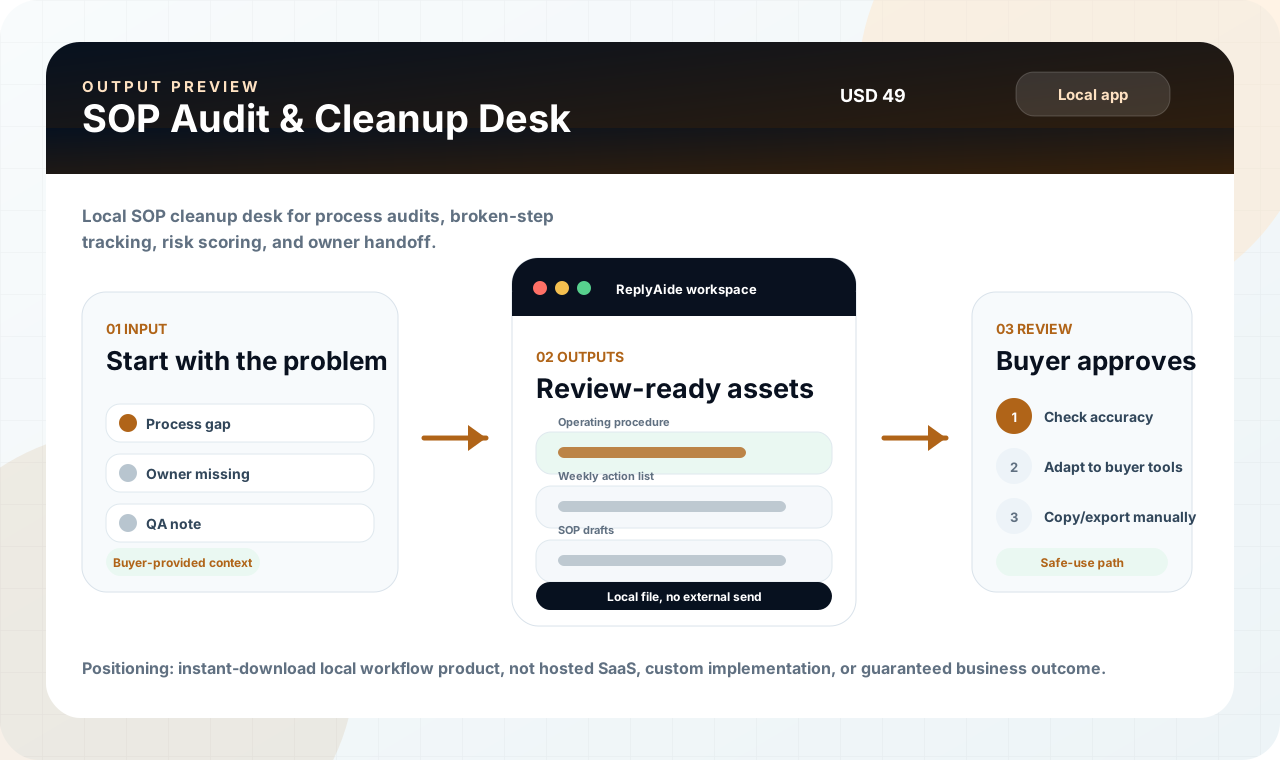
This preview is designed to answer the buyer's real question: after downloading SOP Audit & Cleanup Desk, what opens, what do I fill in, and what do I review before using it?
Start with the repeated workflow inputs that slow the buyer down.
Local SOP cleanup desk for process audits, broken-step tracking, risk scoring, and owner handoff.
The buyer stays in control. ReplyAide structures the workflow, but external sending, posting, importing, and account actions remain manual.
Local SOP cleanup desk for process audits, broken-step tracking, risk scoring, and owner handoff.
Purchase clarity
This section makes the product feel like a working local tool instead of a vague file bundle. It shows the first session, the inputs, the output, and the review boundary in one place.
Buyer's quick decision
This section turns the product page into a purchase checkpoint: who should use it, what opens first, what comes out, and which expectations are intentionally outside the offer.
Small teams that need repeatable SOPs, weekly scorecards, project status updates, and operational handoffs.
The buyer opens a branded local ReplyAide console from the downloaded product folder.
Process gap, Owner missing, QA note are organized into a guided workflow.
SOP drafts, status notes, scorecard structures, owner queues, audit checklists, and handoff docs.
It does not certify compliance, make management decisions, or run live operations automatically. External sending, posting, account setup, and final decisions stay with the buyer.
This route keeps the purchase decision disciplined: start with the current product, then inspect adjacent tools only if the same operational problem repeats.
Interactive local preview
This is not a fake live SaaS claim. It is a truth-safe local product preview showing how the downloaded ReplyAide console turns workflow inputs into review-ready outputs.
The buyer starts with a real internal case and adds the context needed for Operations control desk.
Review the first draft before copying it into any external system.
Manual review required before use.
Decision checkpoint
This block is intentionally blunt. It helps qualified buyers move faster and keeps the product out of the hands of people expecting a hosted service, account automation, or guaranteed business result.
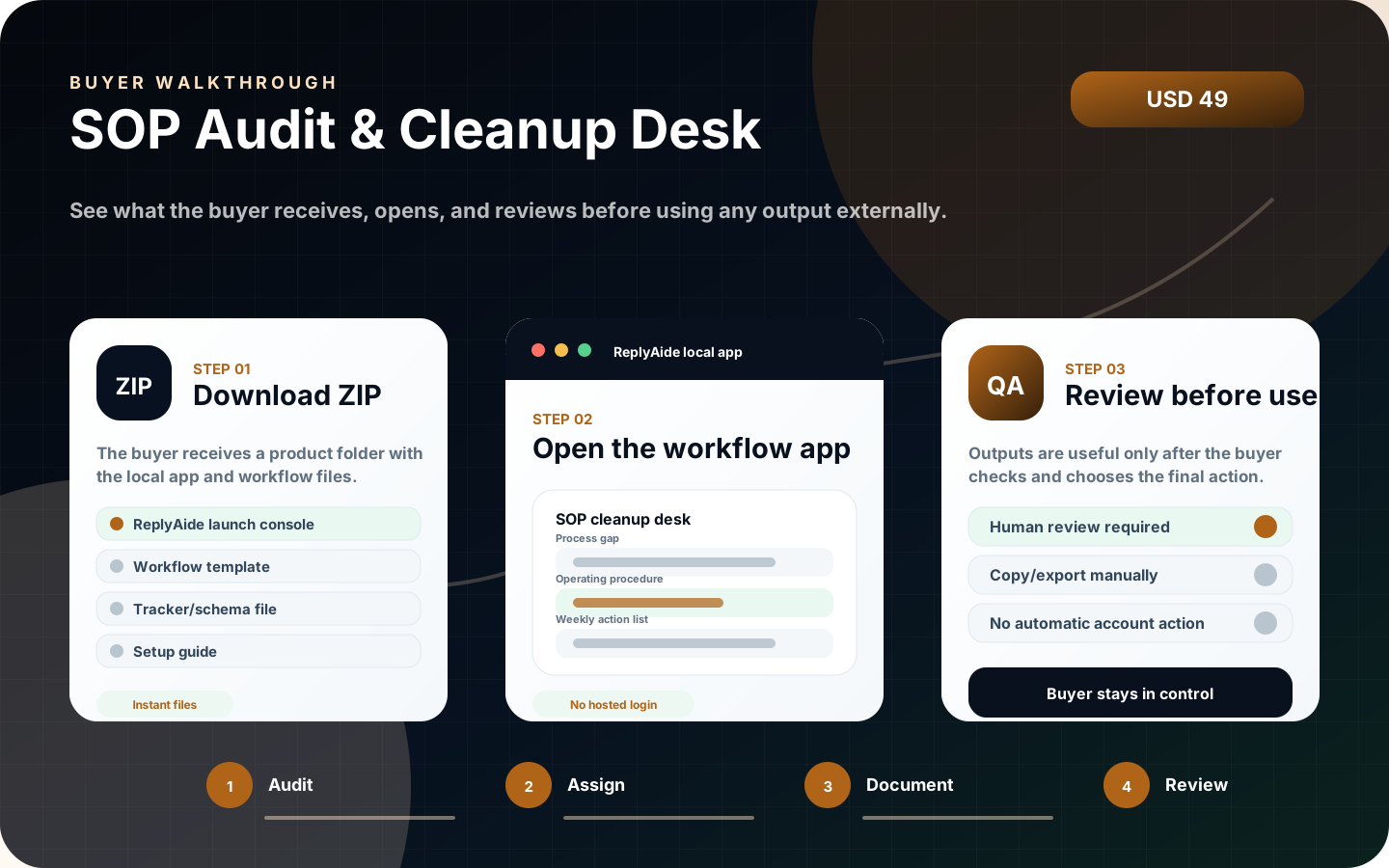
Buyer walkthrough
This visual walkthrough shows the purchase expectation in one image: download the ZIP, open the branded ReplyAide launch console, then review and copy/export outputs manually. It is designed to answer the “what do I actually do with this?” question before checkout.
Visual proof
The product page now shows the buyer the app screen, first-use sequence, and output/review path. This keeps the offer concrete instead of relying on abstract copy.
Before purchase
This product is positioned as an instant-download local workflow tool. The buyer receives files, opens the branded ReplyAide launch console, reviews outputs manually, and uses their own external tools. Checkout remains pending until the live Lemon URL is entered and live file delivery verification is complete.
Buyer decision
Small teams that need repeatable SOPs, weekly scorecards, project status updates, and operational handoffs.
Product experience
This page now explains the product like a real software workflow: what opens first, what files support it, and how the buyer should use the output safely.
01
02
03
Local SOP cleanup desk for process audits, broken-step tracking, risk scoring, and owner handoff.
ReplyAide does not send messages, submit forms, connect private accounts, or claim business outcomes. The buyer controls every final action.
First session
The product is designed around a simple local workflow: open, load, organize, review. This keeps the offer useful while avoiding unsafe promises about automatic external actions.
SOP Audit & Cleanup Desk is an instant-download local browser app and workflow kit for small teams, agencies, operators, founders, and support managers cleaning up internal process docs. The buyer receives a ZIP immediately after purchase. The first-open experience is presented as a branded ReplyAide launch console with workflow files and setup notes grouped around the same product purpose. This is not hosted SaaS, not a custom implementation service, and not a guaranteed outcome product. External tools such as CRM, SMS, email, calendar, phone, payment, AI, and API accounts must be configured separately by the buyer.
This is not hosted SaaS, not a custom implementation service, and not a guaranteed outcome product. External tools such as CRM, SMS, email, calendar, phone, payment, AI, and API accounts must be configured separately by the buyer.
Fit check
This section is intentionally direct. It improves buyer confidence without pretending the product is a hosted SaaS, done-for-you service, or guaranteed business result.
Useful when the buyer needs structure, templates, tracker rows, QA steps, and repeatable manual review.
Not for automatic emails, SMS, CRM sync, review posting, payment actions, or private account setup.
The buyer downloads the ZIP, opens the local app, reviews the included setup notes, and adapts outputs to their own tools.
Support covers download/file questions and included-product clarification, not unlimited custom implementation.
Product FAQ
These questions are written directly on the page and mirrored in structured data so the product is easier to understand before anyone buys.
SOP Audit & Cleanup Desk is positioned as an instant-download ZIP with a branded ReplyAide launch console, setup notes, workflow/template assets, tracker or schema files, and manual-review guidance described on this page.
No. The core product is a downloadable local workflow product that opens in a browser from the buyer's own device. It does not require a ReplyAide-hosted login for the included local files.
No. The product helps organize drafts, templates, tracker rows, and workflow notes. The buyer reviews outputs and uses their own external tools if they choose to send, import, post, or configure anything.
No. The license is for the buyer's internal business or client-operation use. Re-uploading, reselling, sublicensing, mirroring, or publishing the product files as a competing product is not allowed.
Checkout links stay disabled until the live Lemon URL is entered and live file delivery has been verified. This prevents test-mode purchases, wrong-file delivery, and unclear buyer expectations.
Support is limited to file access, opening the local app, understanding included files, and clarifying product boundaries. Custom implementation, third-party account setup, and done-for-you service work require a separate quote.