ReplyAide product tour

See how a ReplyAide download is supposed to feel before checkout goes live.

This is a local visual walkthrough of the buyer experience: pick a workflow, download a ZIP after checkout, open the branded local app, review the output, and use external tools manually.

Localthe tour runs as static site UI
Manualfinal outputs are reviewed by the buyer
Pendinglive checkout links remain gated
Tour preview Verified links only
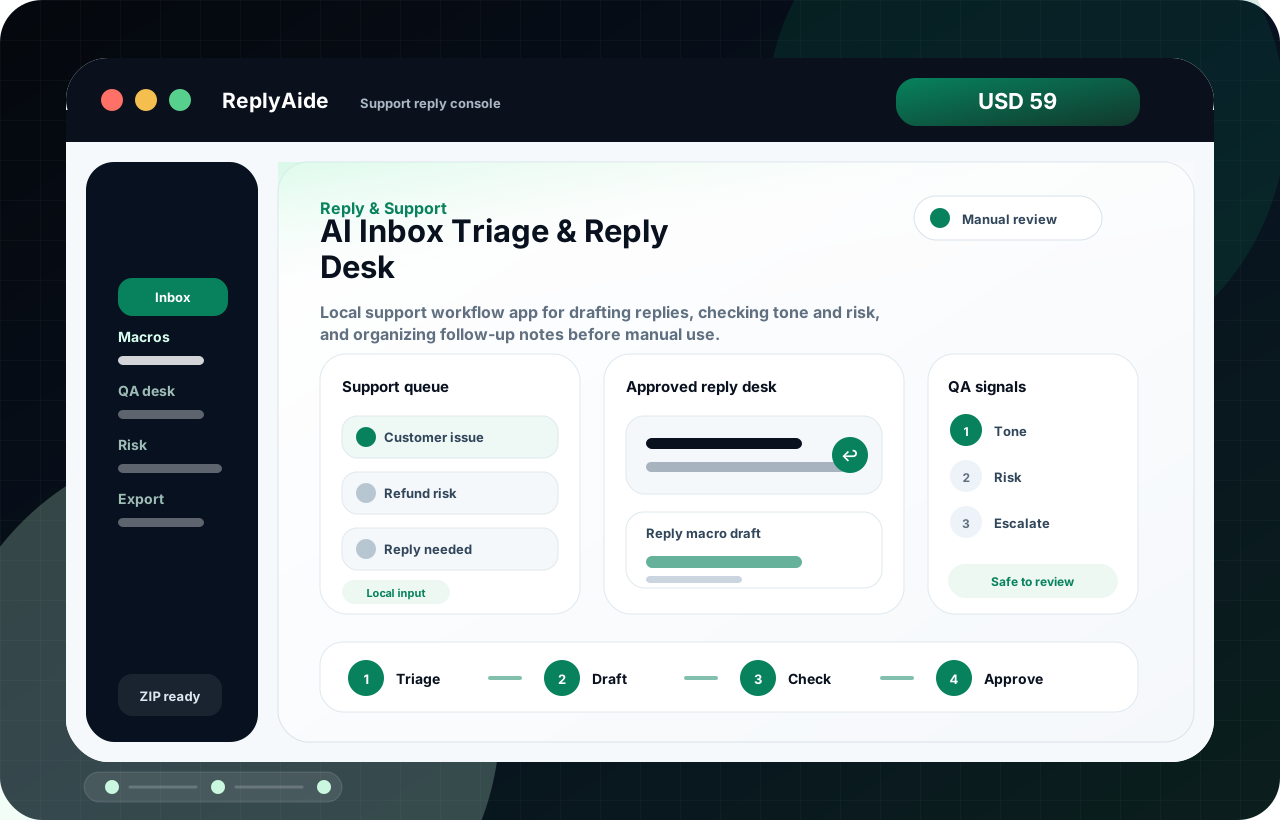
AI Inbox Triage & Reply Desk product interface preview
Customer Support Macro QA Desk product interface preview Digital Download QA & Delivery Kit product interface preview
Branded local app, not a raw file-name dump. Product pages avoid internal filenames and explain the actual first-open experience.

Walkthrough

The buyer journey should be obvious before money changes hands.

This animated mock interface is a truth-safe product tour. It explains the packaging and workflow without claiming live SaaS automation, revenue outcomes, customer proof, or external account integrations.

ReplyAide Local App
1. Open the branded workflow The buyer opens the local browser app included inside the downloaded product folder.
2. Use templates and tracker assets Reply drafts, checklists, schemas, setup notes, and tracker rows are organized by workflow.
3. Review before using externally The buyer copies or exports reviewed output into their own email, CRM, support, review, or store tool.
01

Product page sets expectations

Each page explains what opens, what files are included, what is not included, and why checkout is gated until live-link QA.

02

Download delivery stays instant

The product is positioned as an instant-download file package, not hidden done-for-you work or an unbuilt SaaS login.

03

Buyer controls final actions

No automatic email, SMS, CRM, review, payment, bank, tax, identity, or account actions are promised by default.

04

Custom requests stay separate

If a buyer needs implementation, ReplyAide routes them to the custom build request instead of disguising service work as a download.

Tour-ready product examples.

These are sample products to inspect visually, not sales rankings or claims of buyer demand.

AI Inbox Triage & Reply Desk product interface preview
Reply & Support

AI Inbox Triage & Reply Desk

Local support workflow app for drafting replies, checking tone and risk, and organizing follow-up notes before manual use.

ForSupport teams repeating replies, refunds, reviews, and escalation notes. OpensSupport reply console OutputReply drafts, QA labels, risk notes, and tracker-ready follow-ups.
TriageDraftCheck
Local app Workflow files Manual QA
Instant downloadCheckout opens after live URL and file delivery QA.
USD 59
See details
Live checkout pendingWhy checkout is gated
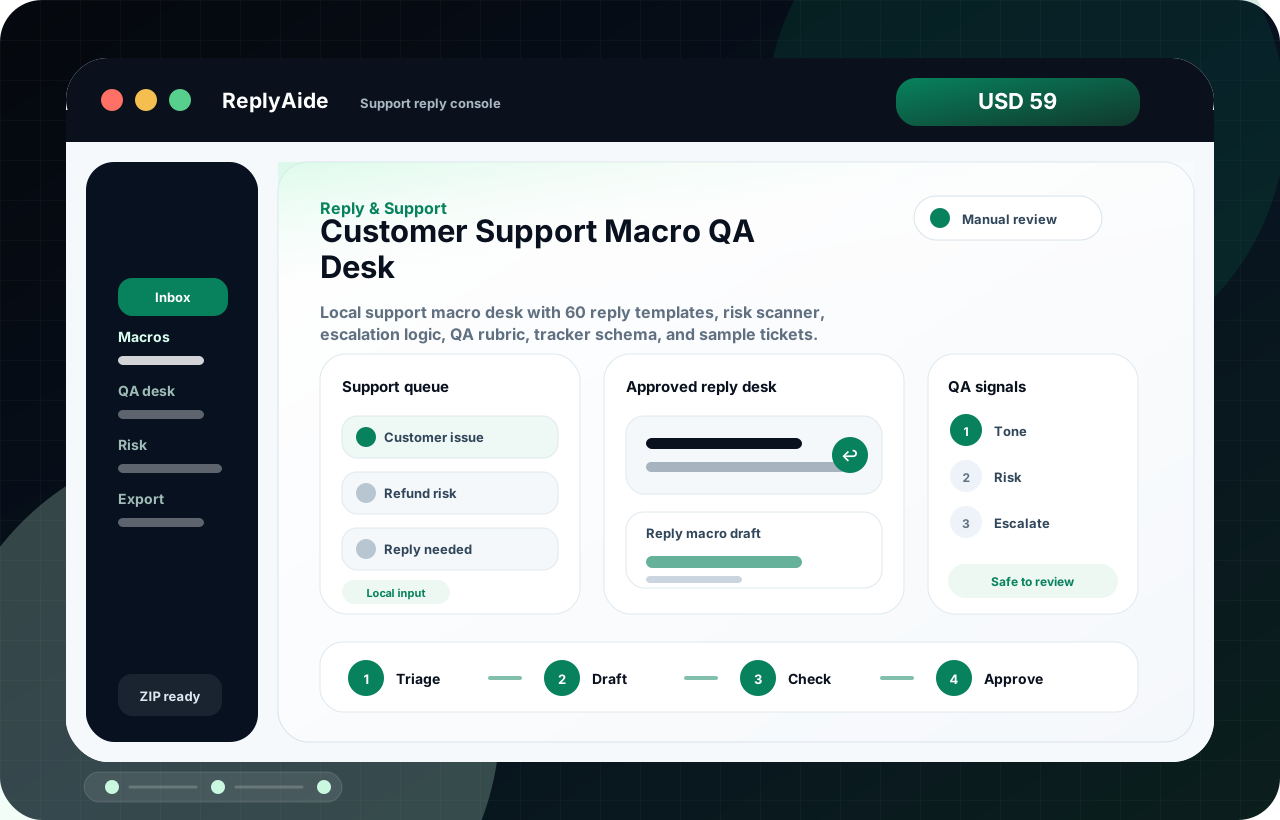
Customer Support Macro QA Desk product interface preview
Reply & Support

Customer Support Macro QA Desk

Local support macro desk with 60 reply templates, risk scanner, escalation logic, QA rubric, tracker schema, and sample tickets.

ForSupport teams repeating replies, refunds, reviews, and escalation notes. OpensSupport reply console OutputReply drafts, QA labels, risk notes, and tracker-ready follow-ups.
TriageDraftCheck
Local app Workflow files Manual QA
Instant downloadCheckout opens after live URL and file delivery QA.
USD 59
See details
Live checkout pendingWhy checkout is gated
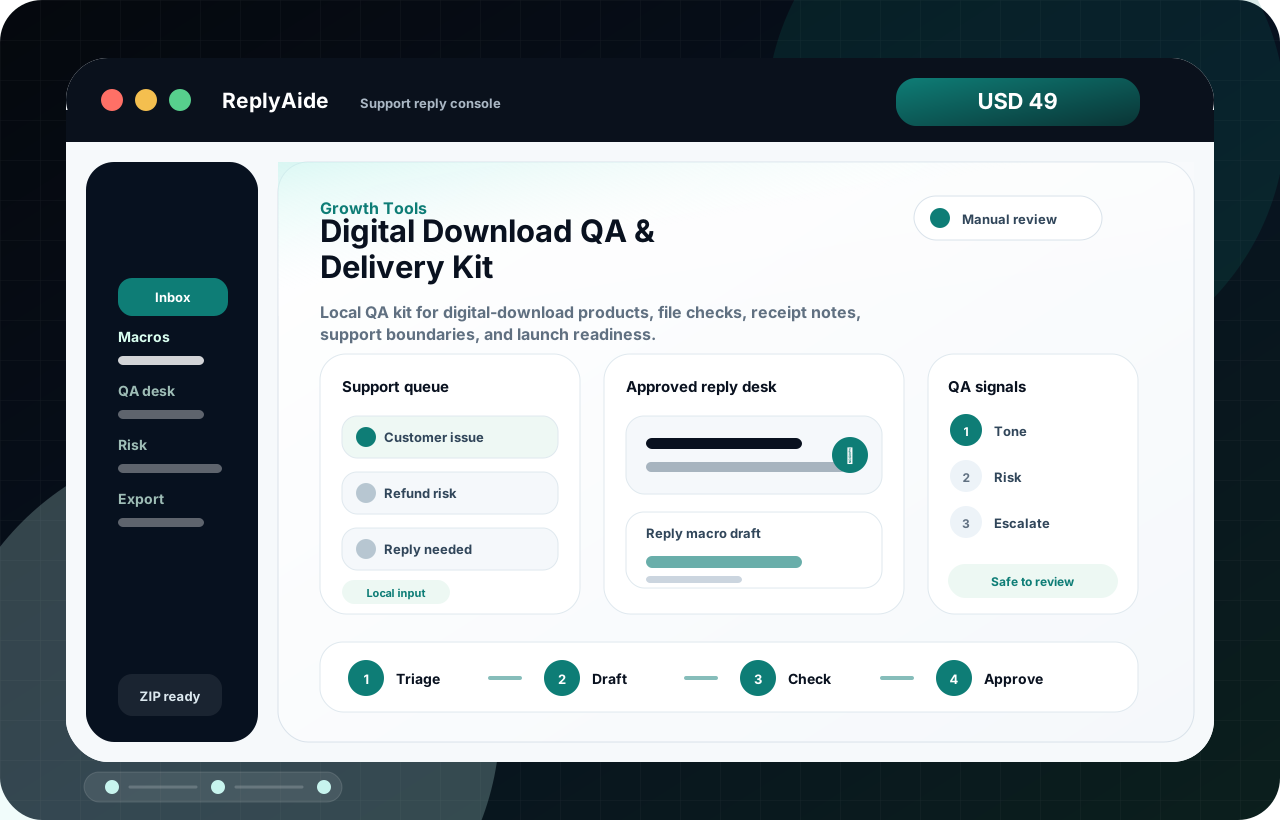
Digital Download QA & Delivery Kit product interface preview
Growth Tools

Digital Download QA & Delivery Kit

Local QA kit for digital-download products, file checks, receipt notes, support boundaries, and launch readiness.

ForDigital sellers improving offers, launch assets, and delivery clarity. OpensSupport reply console OutputOffer briefs, listing copy, launch queues, and delivery QA assets.
TriageDraftCheck
Local app Workflow files Manual QA
Instant downloadCheckout opens after live URL and file delivery QA.
USD 49
See details
Live checkout pendingWhy checkout is gated

Buyer confidence

Use the tour to reduce confusion before launch traffic arrives.

When live links are approved, this page can sit between cold traffic and checkout so visitors understand the workflow before comparing products.

  • No fake customer logos, usage numbers, testimonials, or revenue claims.
  • The tour shows a local workflow model, not live external account automation.
  • Product pages keep live checkout disabled until verified live URL entry and file delivery QA.
  • Custom implementation is routed to a separate request page.