AI Inbox Triage & Reply Desk
Triages incoming support threads and drafts safer reply options.
ReplyAide AI Autopilot Platform
ReplyAide is the home base for local-business automation products. Start with missed-call recovery, add Business Profile-connected review automation after access is confirmed, and keep focused workflow tools in the catalog.
Customers still call the public business line they already know.
No-answer, busy, or after-hours calls route to the AI backup line.
Collect name, need, urgency, address, and preferred next step.
Send booking links, answer routine questions, and keep the lead warm.
Forward transcript summary, lead details, urgency, and next action.
Main product path
ReplyAide's hosted direction covers phone lead recovery, owner summaries, and clear usage limits. Google Review Autopilot is the Business Profile-connected reputation workflow for review monitoring, AI replies, and safe autopost controls after Business Profile access is confirmed.
Best when a local business cannot afford silence during jobs, after hours, lunch, or busy call spikes.
Keep the current number, forward the right calls, capture the lead, continue by SMS, and alert the owner.Best when the business also wants Google review monitoring, approval queues, and safe reply posting after official access is available.
Keep it visible as the reputation layer, but do not make live Google review sync the current selling promise.Best when one seller, support, or recovery lane repeats every month.
Fresh monthly drops remain useful, but Autopilot is the hosted SaaS line.Best when one workflow still needs a local checklist, calculator, or reply workstation.
One download, one browser app, and one clearly scoped job. It is no longer the main product path.Phone automation search paths
These pages cover the buyer searches around AI receptionist, missed-call text back, AI phone answering, pricing, and vertical use cases. Future automation products should enter this same homepage hub as new search paths.
Owners comparing AI receptionist tools because phone calls are slipping during jobs, appointments, lunch, nights, weekends, or busy hours.
Businesses looking for carrier-approved SMS follow-up when a caller reaches voicemail or cannot get a human response.
Buyers comparing AI phone answering tools by price, included minutes, setup friction, and how safely calls get routed.
Operators searching for a system that recovers missed opportunities rather than only showing voicemail logs.
Plumbing businesses comparing AI receptionists for emergency calls, job details, addresses, and after-hours lead capture.
HVAC companies looking for AI call answering during seasonal spikes, emergency requests, maintenance calls, and after-hours lead capture.
Dental offices comparing AI receptionists for missed calls, appointment requests, insurance questions, and urgent patient concerns.
Buyers comparing AI receptionist pricing, included minutes, SMS limits, locations, overage costs, and feature depth before subscribing.
Contractors comparing AI receptionists because jobsite work, driving, estimates, and after-hours requests make live answering inconsistent.
Roofing companies searching for call answering help during storm spikes, estimate requests, roof leaks, insurance questions, and busy workdays.
Electrical contractors looking for AI answering, emergency routing, missed-call follow-up, service-area intake, and owner alerts.
Auto repair shops comparing AI receptionists for missed calls, booking requests, vehicle details, quote requests, and after-hours inquiries.
Salons and beauty studios comparing AI receptionists for missed appointment calls, rescheduling, service questions, and after-hours booking intent.
Businesses searching for after-hours answering, weekend coverage, urgent call routing, and next-day follow-up without hiring night staff.
Small businesses comparing answering services, AI receptionists, included minutes, setup friction, and how callers are routed.
Buyers searching broad AI phone answering terms before they know whether they need missed-only, all-call, after-hours, or campaign-line setup.
Operators looking for software that turns missed calls into active follow-up instead of only reporting missed call logs.
Review automation search paths
These pages explain the Business Profile-connected review automation layer from the searches buyers use: auto replies, review response generators, Google Business Profile automation, autopost, multi-location workflows, and small-business review management.
Business owners comparing automatic review response tools that can save time without posting risky replies.
Users who specifically want Google Business Profile connection, location sync, review queues, and posting controls.
Users searching for a review response generator but likely comparing manual AI drafting against workflow software.
Buyers looking for software that can answer reviews automatically and need to understand what should never autopost.
Users comparing broader review response tools, not only Google-specific keyword variants.
Buyers searching for hands-free posting but needing a clear boundary between automatic and approval-required replies.
Businesses comparing review response automation by location count, seats, reports, and usage volume.
Small business owners looking for practical review management without a heavy enterprise reputation suite.
Owners searching for automatic Google review replies but worried about complaints, refunds, legal topics, and brand voice.
Users looking for AI-written Google review replies who may be comparing free generators against paid workflow software.
Dental offices comparing review response software for patient praise, appointment complaints, insurance issues, and privacy-sensitive reviews.
HVAC teams looking for review response automation during seasonal spikes, service complaints, emergency work, and multi-tech scheduling.
Plumbing companies comparing tools for review replies, urgent-service complaints, refund language, and local reputation management.
Franchises, agencies, and local operators comparing review tools by location count, seats, exports, reports, and approval rules.
Small businesses searching for example replies before deciding whether they need a generator, template, or automation product.
Secondary catalog
These six pages still support buyers who need a focused local tool: support replies, delivery QA, missed-lead recovery, review workflows, invoice follow-up, and inbox triage. Autopilot remains the primary monthly SaaS path.
This starter rail is intentionally fixed so the homepage stays fast and easier to scan on mobile. Use the full catalog or Product Finder below when you need search, filtering, or a different buying lane.
Triages incoming support threads and drafts safer reply options.
Stress-tests support macros before agents send them.
Checks ZIP delivery, buyer instructions, and launch readiness.
Drafts brand-safe public review replies with manual approval.
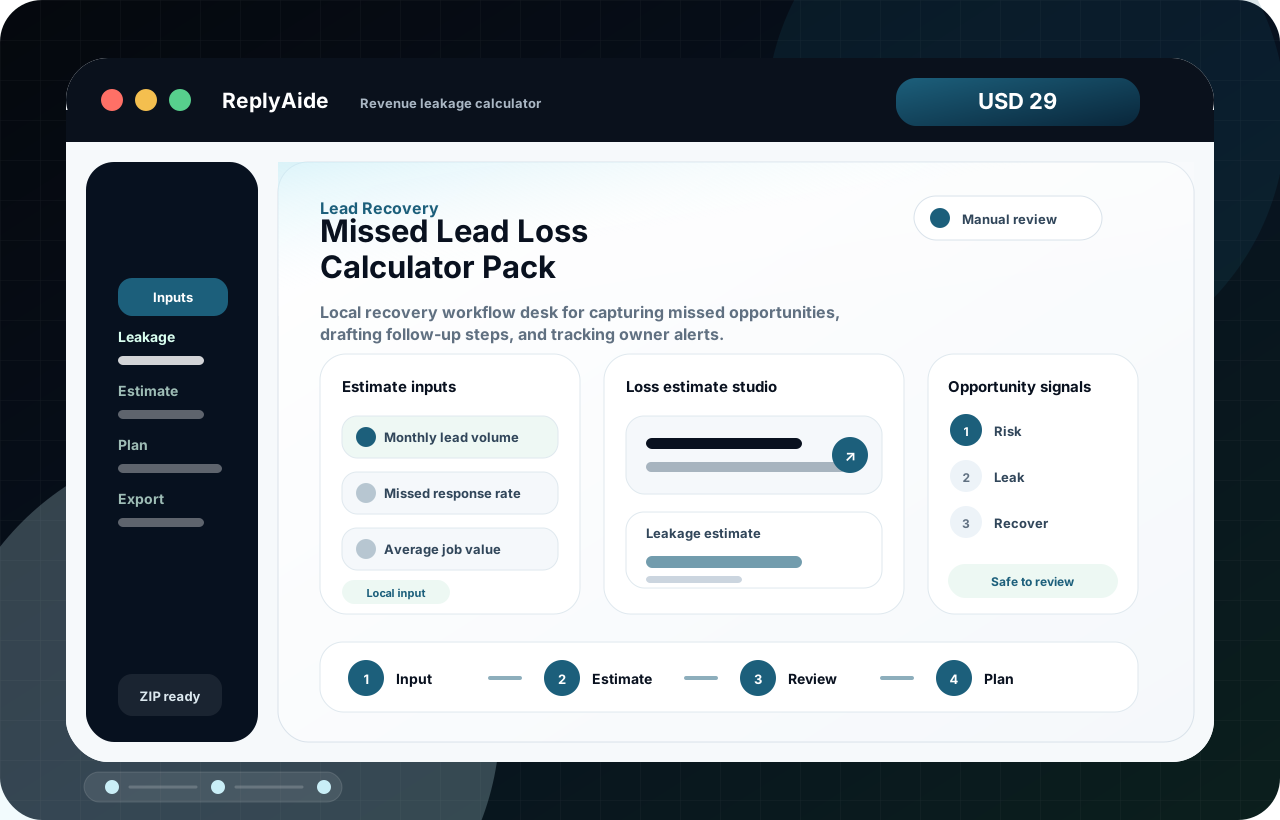
Quantifies reply-delay leakage before you buy more traffic.
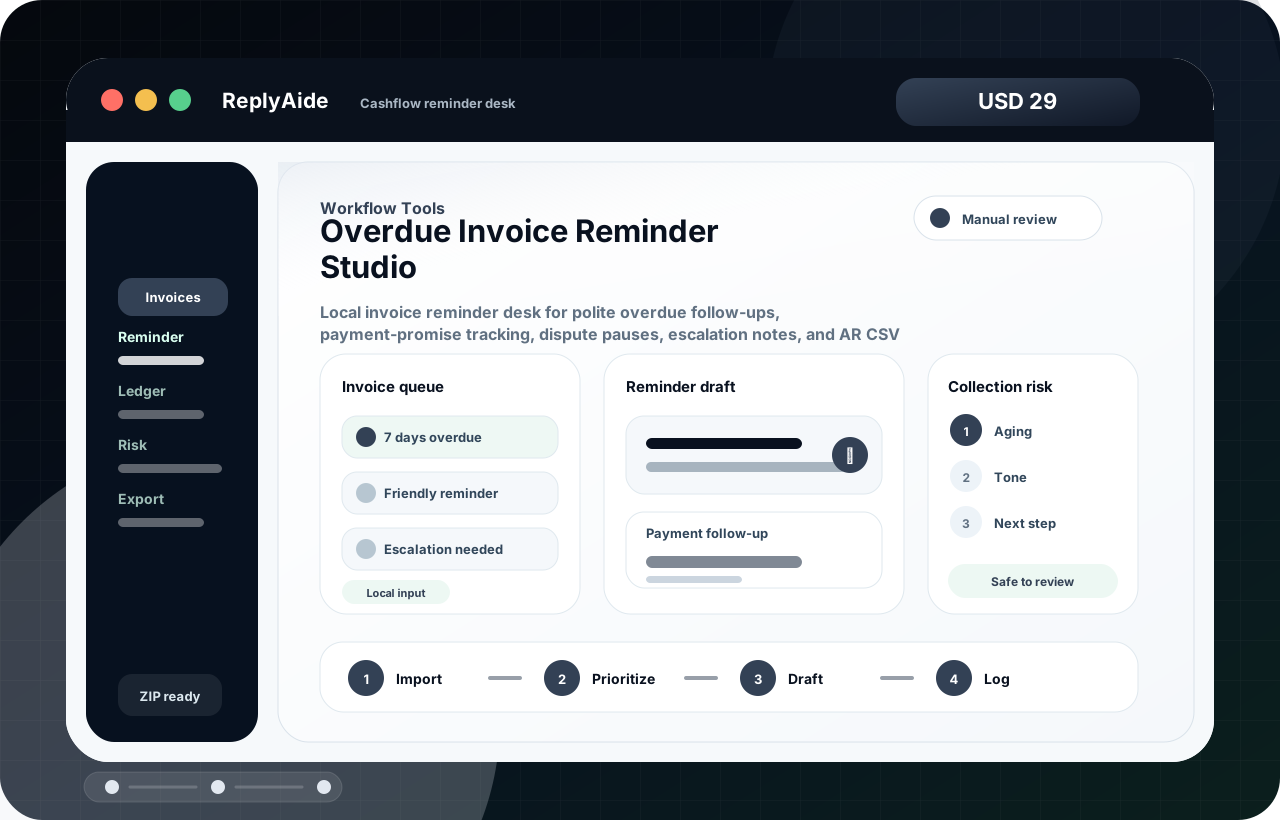
Builds calm payment follow-ups with owner review cues.
The comparison above handles the commercial model. This block is for the exact workflow query once you are ready to scan deeper than the starter set.
Search the workflow problem first, not the product name.
Product advisor
Use this local advisor before checkout when a buyer knows the problem but not the product name. It narrows the first product to inspect without collecting account data or promising an outcome.
72-Hour Missed Lead Recovery Desk helps build lead follow-up sequences, rebooking prompts, owner alerts, and manual next-step checkpoints in a local ReplyAide recovery workflow.
Open product pageAgency Client Onboarding Portal Kit helps organize client intake, kickoff details, handoff notes, and service-delivery checkpoints in a local workflow.
Open product pageAI Client Intake & Proposal Automation Kit helps structure proposal notes, pricing logic, scope boundaries, and buyer follow-up checkpoints in a local workflow.
Open product pageAutopilot proof path
The hero establishes Missed Call Autopilot as the active offer. This band keeps the phone page, pricing comparison, Google review layer, and safety policy one click away.
Operating system
ReplyAide explains the buyer path in a calm way: what gets forwarded, what AI can answer, what must escalate, and how usage limits are controlled.
Recurring product model
The one-time catalog stays useful for buyers who want one focused tool. The recurring layer is now split into Seller Ops Vault, Support & Reputation Vault, and Local Lead Recovery Vault so buyers can subscribe to one operating lane without paying for unrelated drops or fake SaaS promises.
Recurring listing reviews, delivery checks, support reply refreshes, and month-one seller workflows without pretending it is hosted seller software.
A calmer support operating layer for refund replies, review response drafts, macro reviews, complaint triage, and escalation notes that still stay manual-review first.
Recurring recovery kits for missed calls, stale forms, quote follow-up, appointment save flows, and owner alerts without making any CRM or auto-send claim.
Custom build add-on
Good upsell, but it must stay separate from instant downloads. ReplyAide can collect a scoped request brief for custom workflow builds, then quote manually after review. No automatic promise, no guaranteed outcome, no hidden service inside a Lemon download.
Buyers who need help adapting a tool can request a paid custom build instead of leaving confused.
The product catalog remains instant-download. Custom work is clearly labeled as quoted separately.
The form creates a structured brief, so future outreach starts from workflow pain and budget fit.
First-session clarity
ReplyAide should feel like a focused operating tool from the first click. This buyer ledger makes the download model concrete, practical, and clear before checkout.
Every ReplyAide product is packaged to answer the same buyer questions early: what opens, what files are included, what outputs appear, and what still stays manual.
The core product opens in the buyer's browser without ReplyAide needing CRM, inbox, store, review, or payment-account access.
Each download is packaged with the app plus supporting files such as templates, guides, schemas, checklists, or QA notes.
Buyers leave with structured replies, follow-up rows, planning notes, or launch-check assets they can inspect before use.
External sending, posting, booking, importing, and policy decisions stay human-controlled unless ReplyAide builds that capability for real.
SEO solution pages
These pages are built for search intent and external traffic. Each page explains one buyer problem, then routes to the relevant product set.
ReplyAide Missed Call Autopilot answers missed, busy, after-hours, or all inbound calls through a configurable AI phone layer, captures leads, sends owner summaries, and activates caller SMS follow-up only after carrier approval.
Google review automation for AI reply drafts, approval routing, live Google Business connection, safe autopost rules, usage limits, and monthly plans.
A focused landing page for Smart Store, Coupang, Cafe24, and independent store sellers who need consistent CS reply drafts without automatic platform sending.
A landing page for operators who need calculators, missed-call text-back workflows, quote follow-up scripts, appointment recovery, and owner alert trackers.
A landing page for digital product sellers who need fewer delivery mistakes and clearer buyer expectations before sending traffic to checkout.
A landing page for agencies and freelancers who need lightweight local systems for client intake, project updates, meeting follow-up, scope changes, and offboarding.
A landing page for operators who need local tools for SOP cleanup, weekly scorecards, status updates, operational audits, and handoff structure.
No fake traction, no fake testimonials, and no guaranteed outcomes. The products are positioned as local workflow aids, not magic automation.
Every listed product must include a downloadable file set, local app, setup guidance, and QA boundaries.
Products do not imply official Naver, Coupang, Lemon, Gmail, CRM, phone, SMS, or payment integration unless that integration exists.
Product pages explain what is included, what stays manual, and where to get help before the buyer commits.
Use this section to reduce refund risk before buyers click a checkout link.
No. ReplyAide catalog products are instant-download local browser apps and workflow kits. If a product includes a subscription vault, the page explains that access model clearly before purchase.
No. They help draft, organize, export, and track. Buyers review every output and use their own email, CRM, store, SMS, review, or support tool manually.
If a product is unavailable, it means the purchase path is not open yet. Product pages stay clear about included files, delivery, and support before buyers commit.
ReplyAide marks purchase availability per product so buyers do not land on the wrong file, wrong price, or unclear delivery path.
No. The site is structured for clear crawlable pages, product fit, schema, and useful buyer information, but it does not guarantee rankings, sales, reviews, revenue, or approval outcomes.
Use the custom build request. Custom workflows, account-specific setup, integrations, or implementation work are scoped and quoted separately from instant-download products.